
Skip to content

AI Dance Generator

Pick a dance, upload one photo, and get a vertical video you can post to TikTok or Reels.

1. Pick a dance

All AI dance templates

Have a dance video?


2. Upload a photo

1 credit per video, from $1. If a video fails, the credit comes back.

Format
MP4, 9:16
Length
4 to 10 s, up to 30 s with your clip
Ready in
About 5 minutes
Watermark
None

AI dance video examples

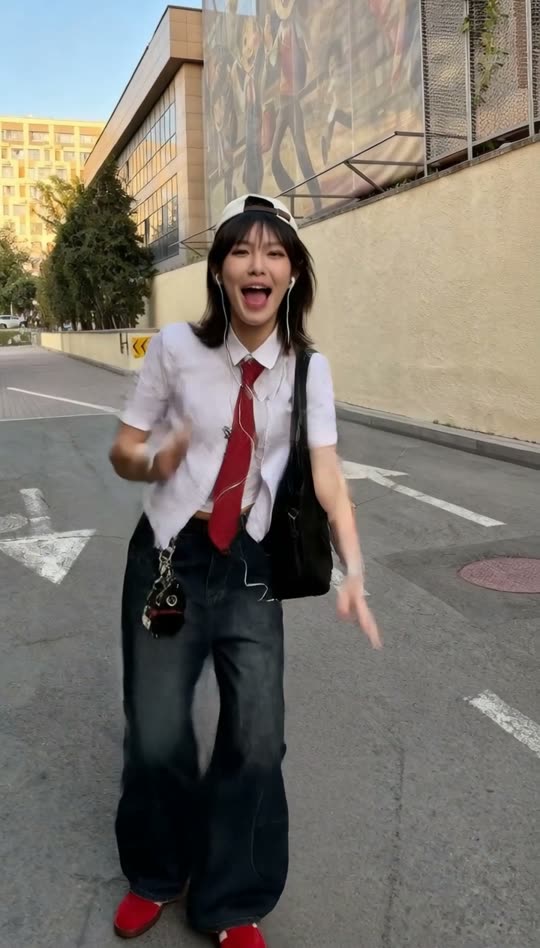
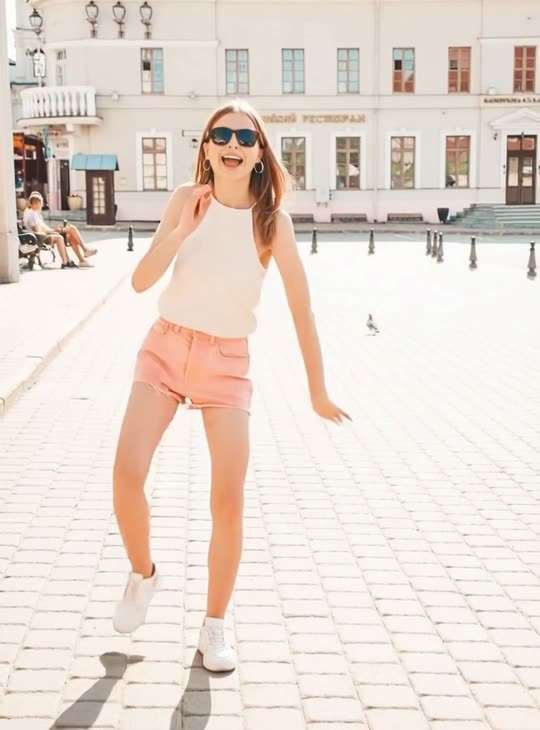
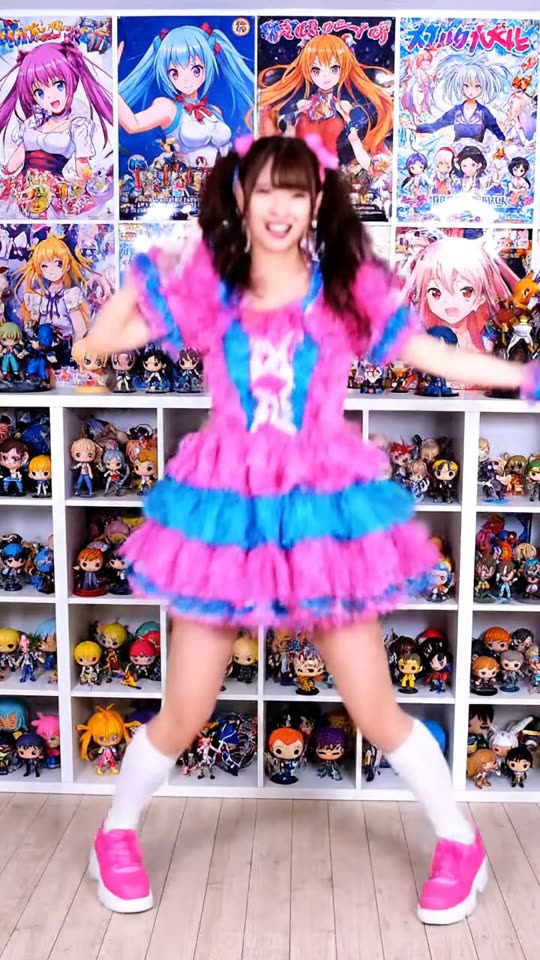
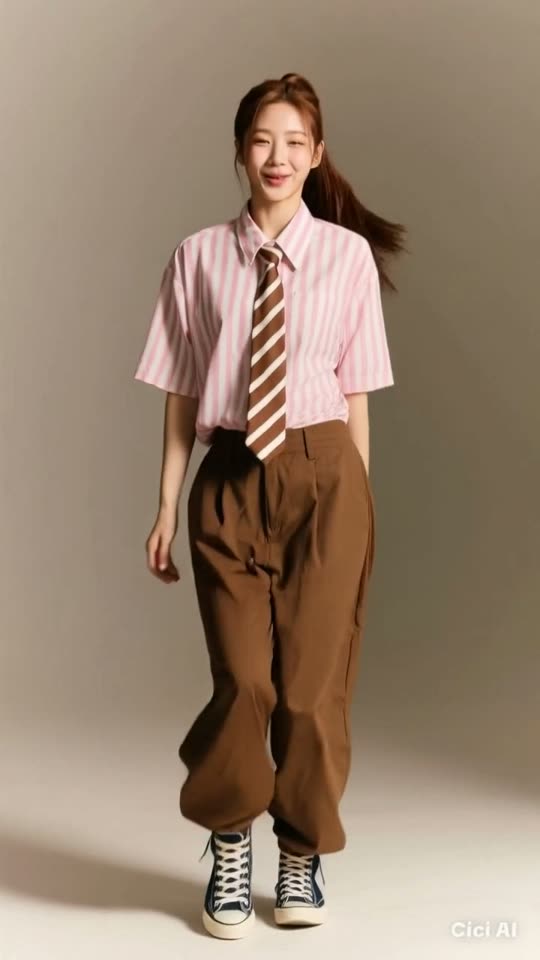
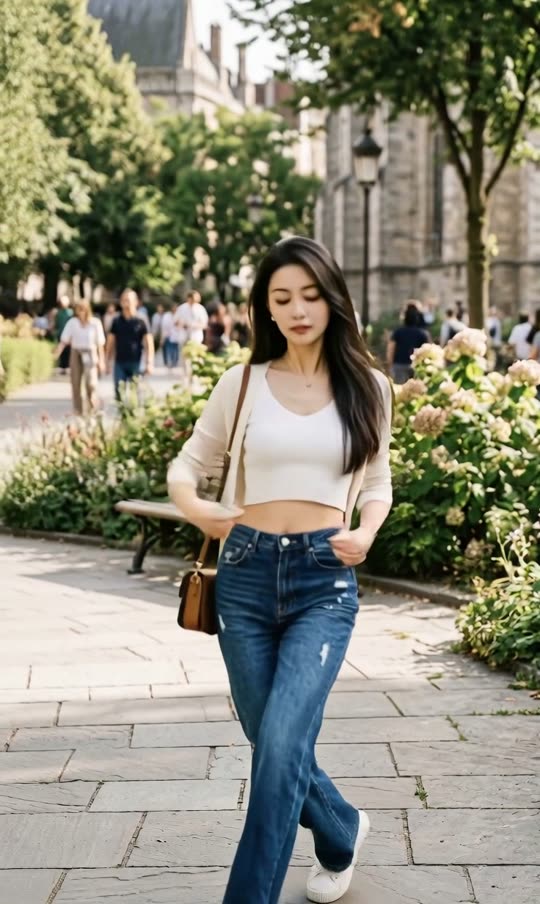
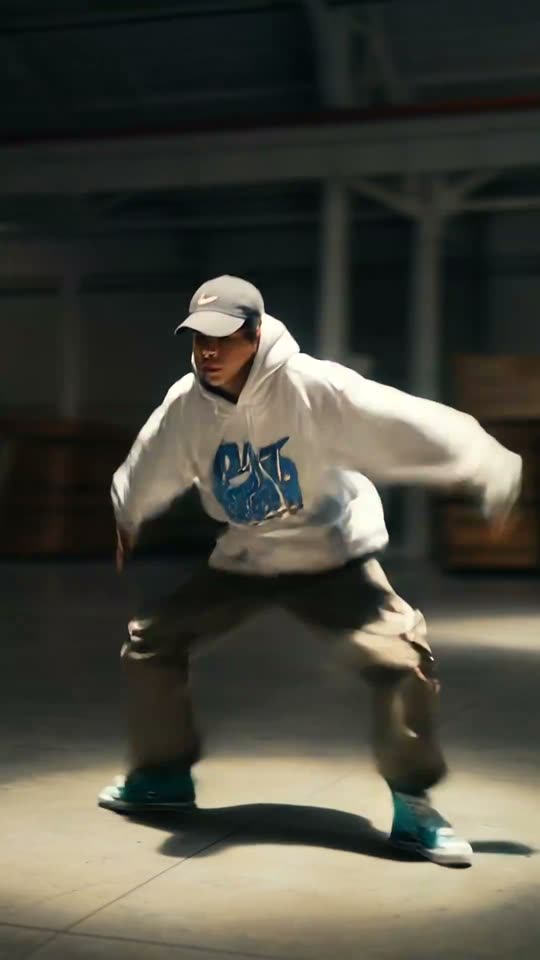
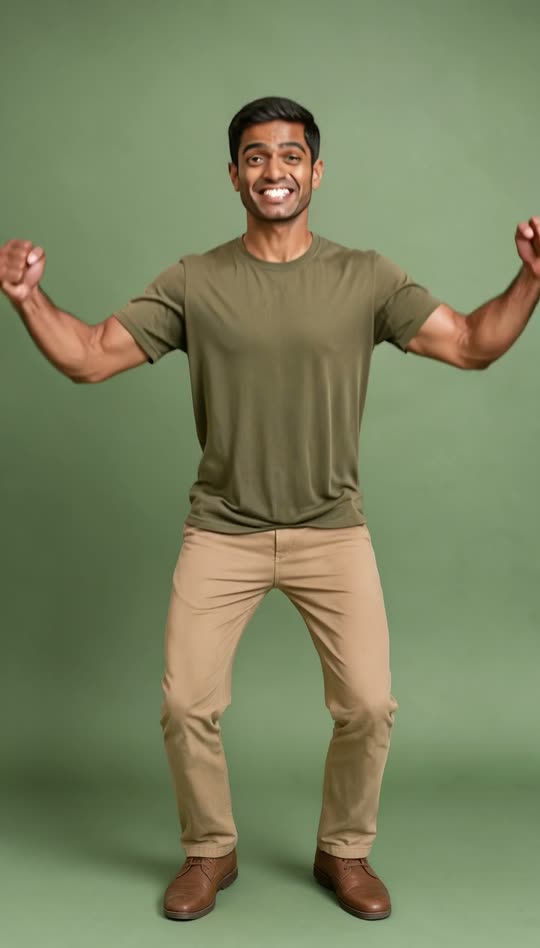
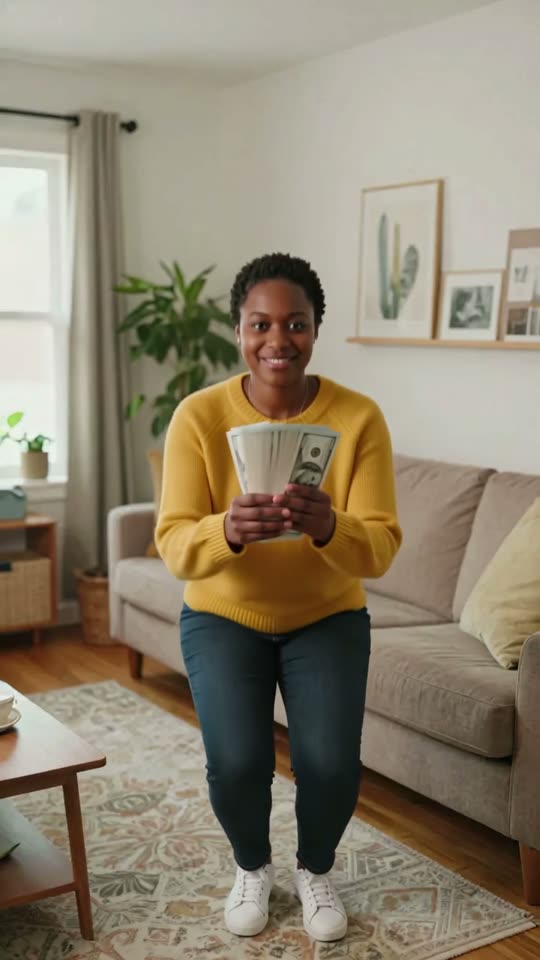
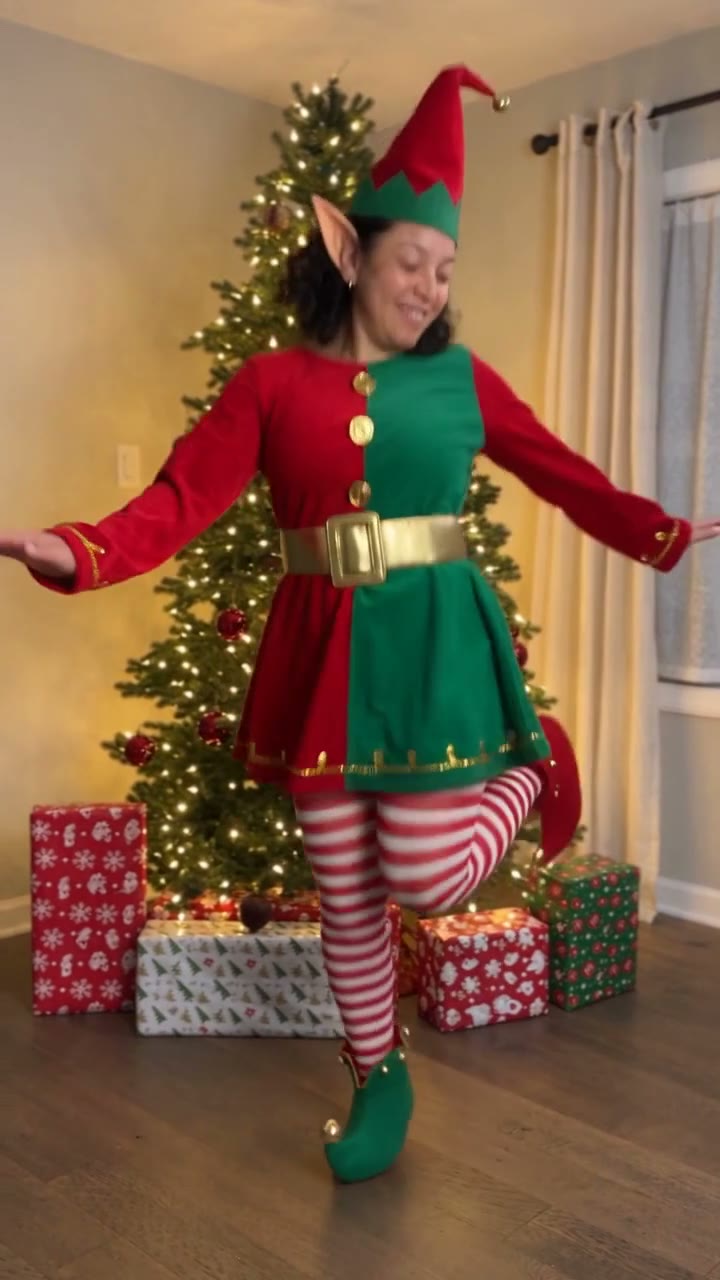
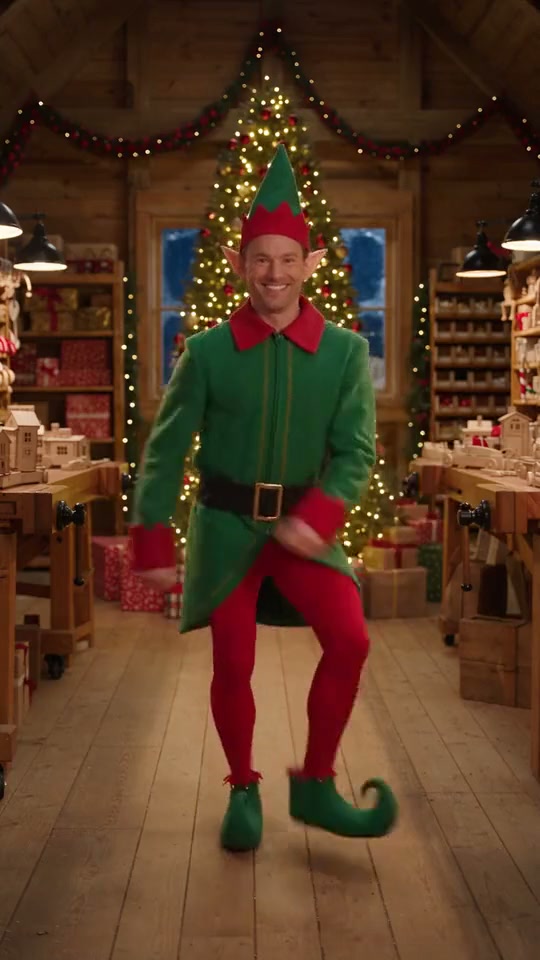
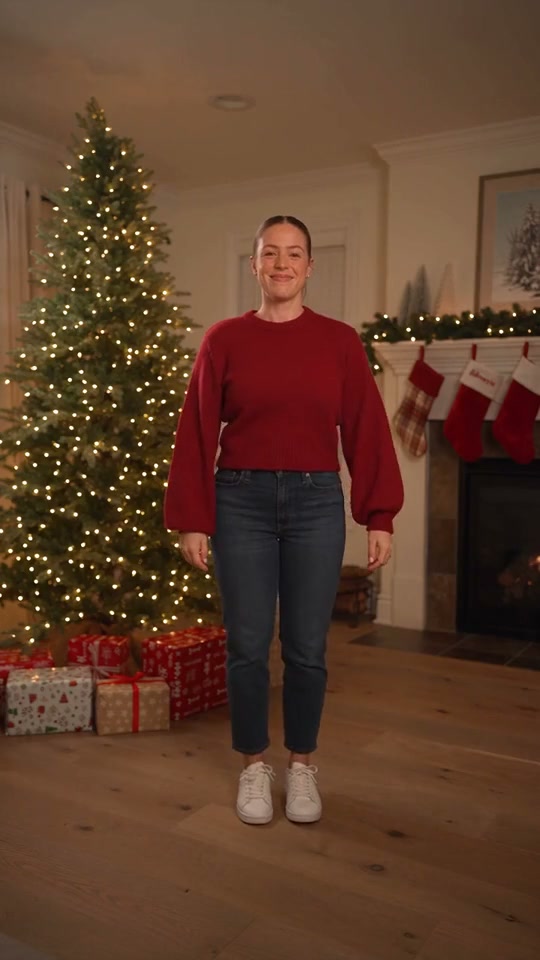
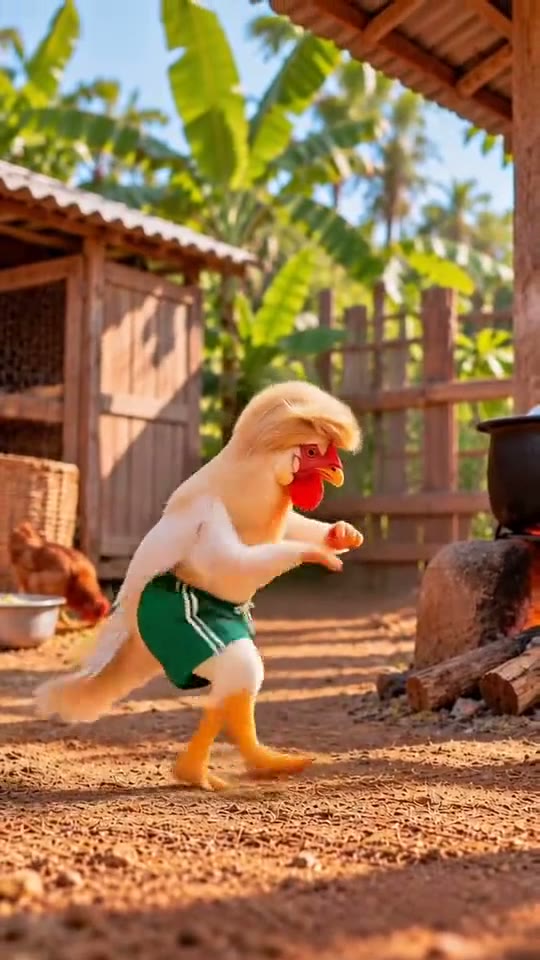
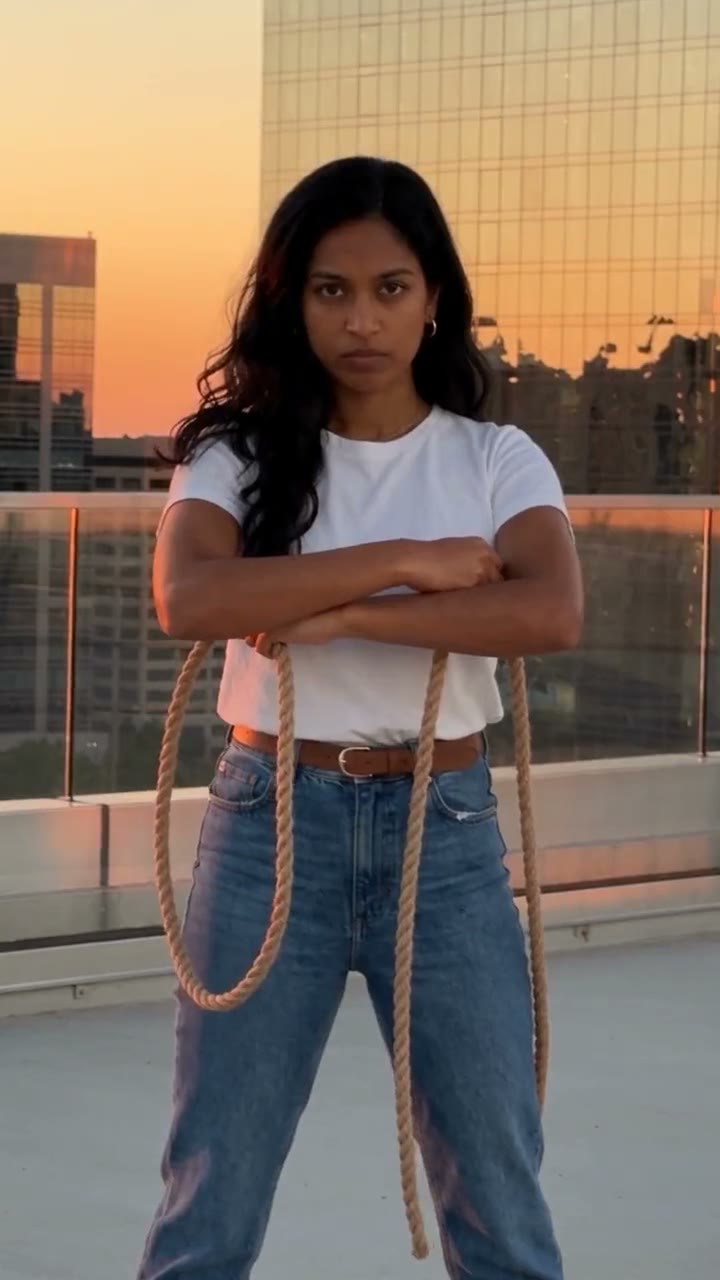
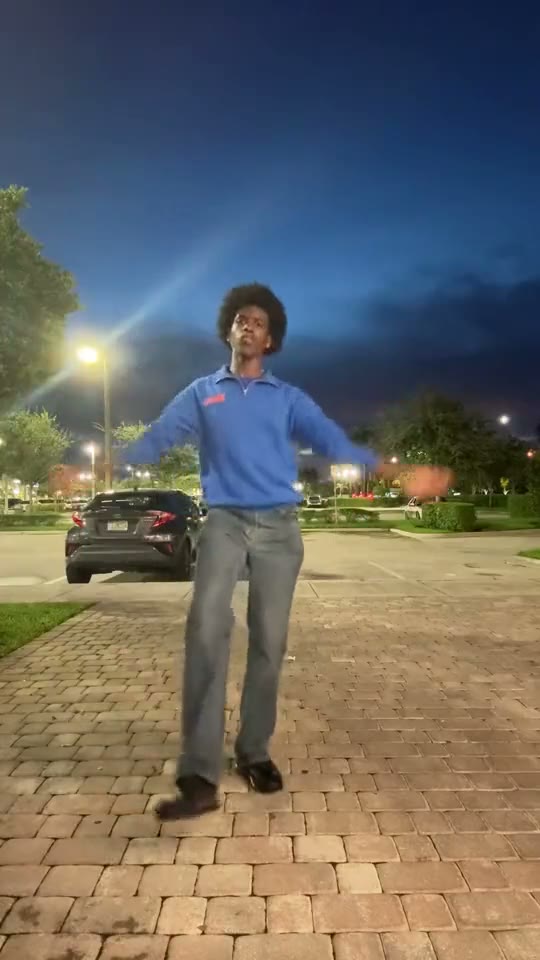
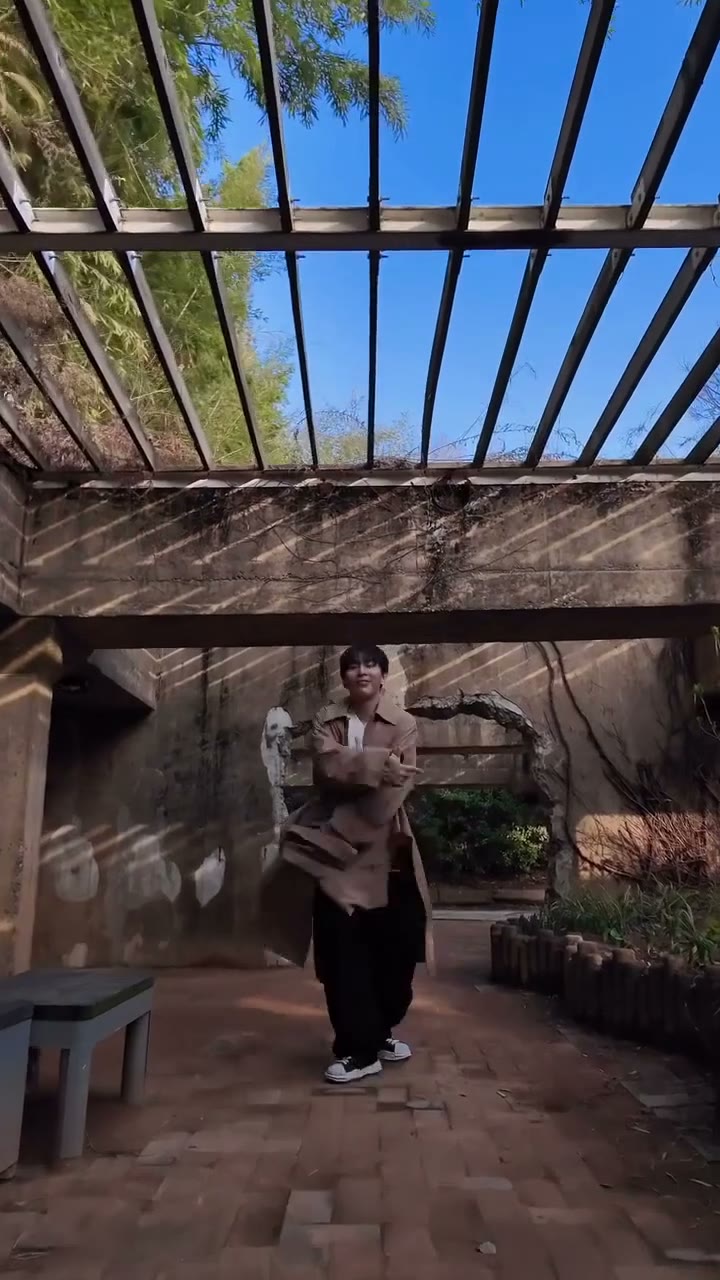
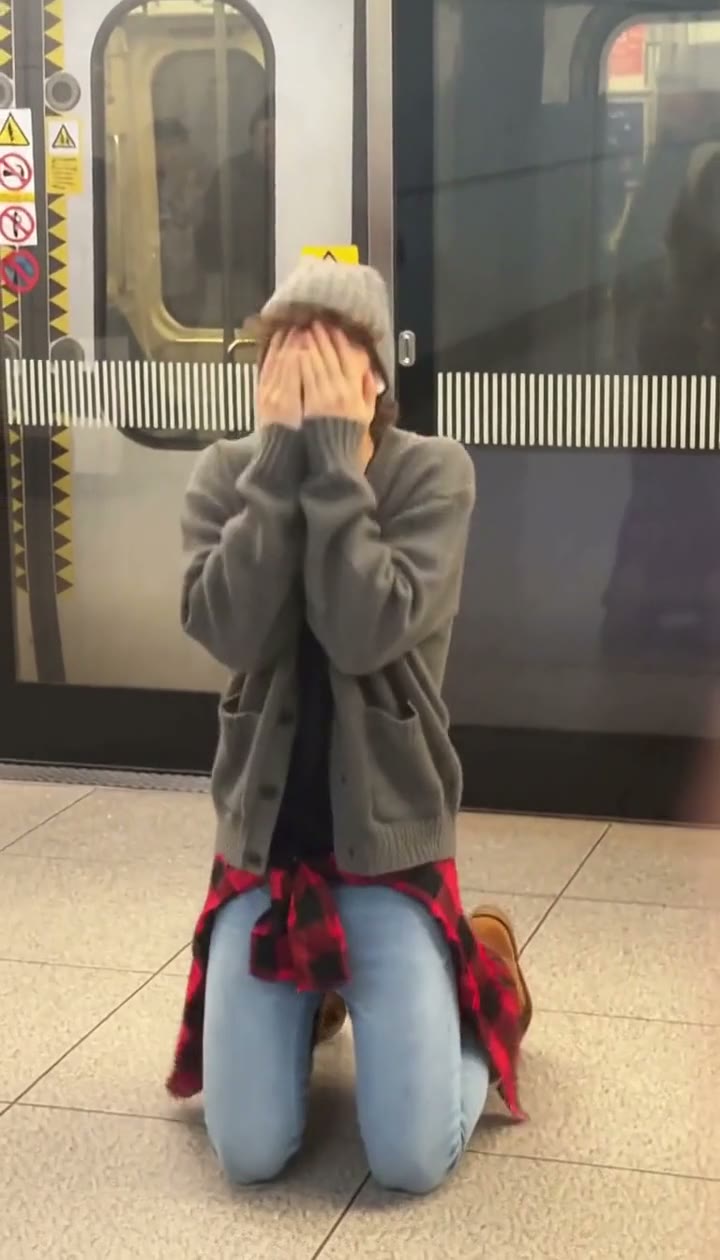
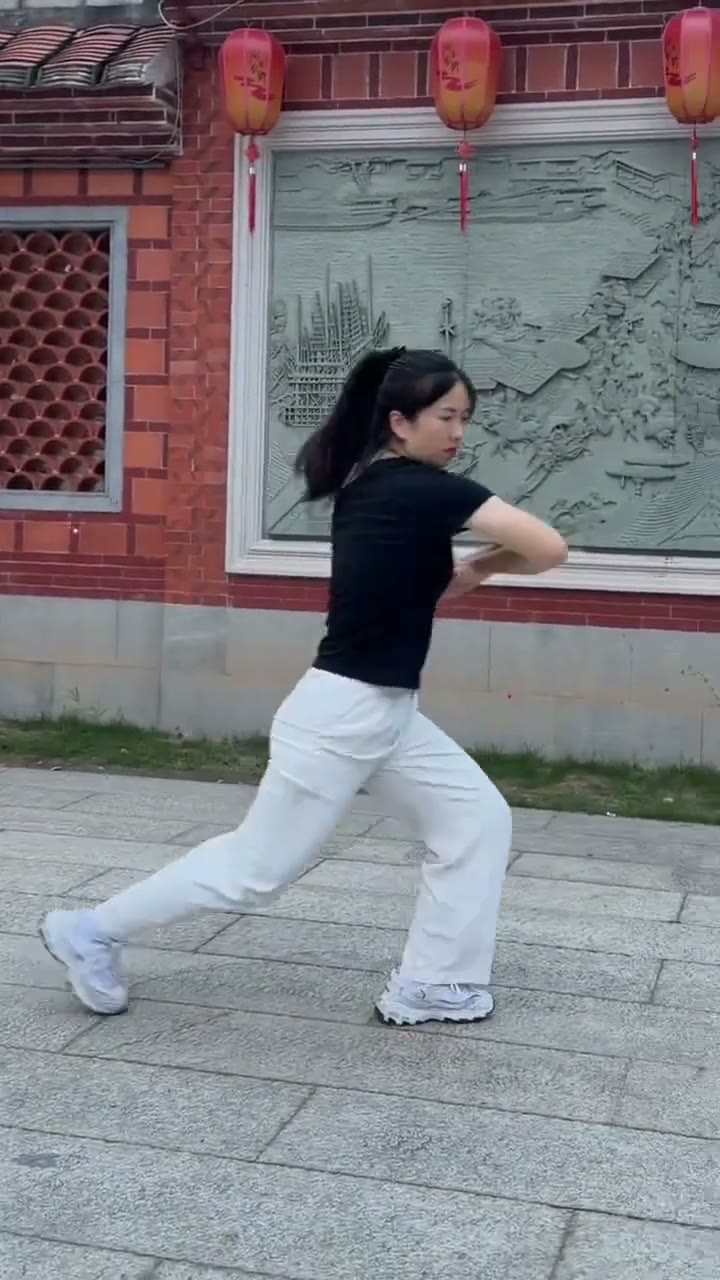
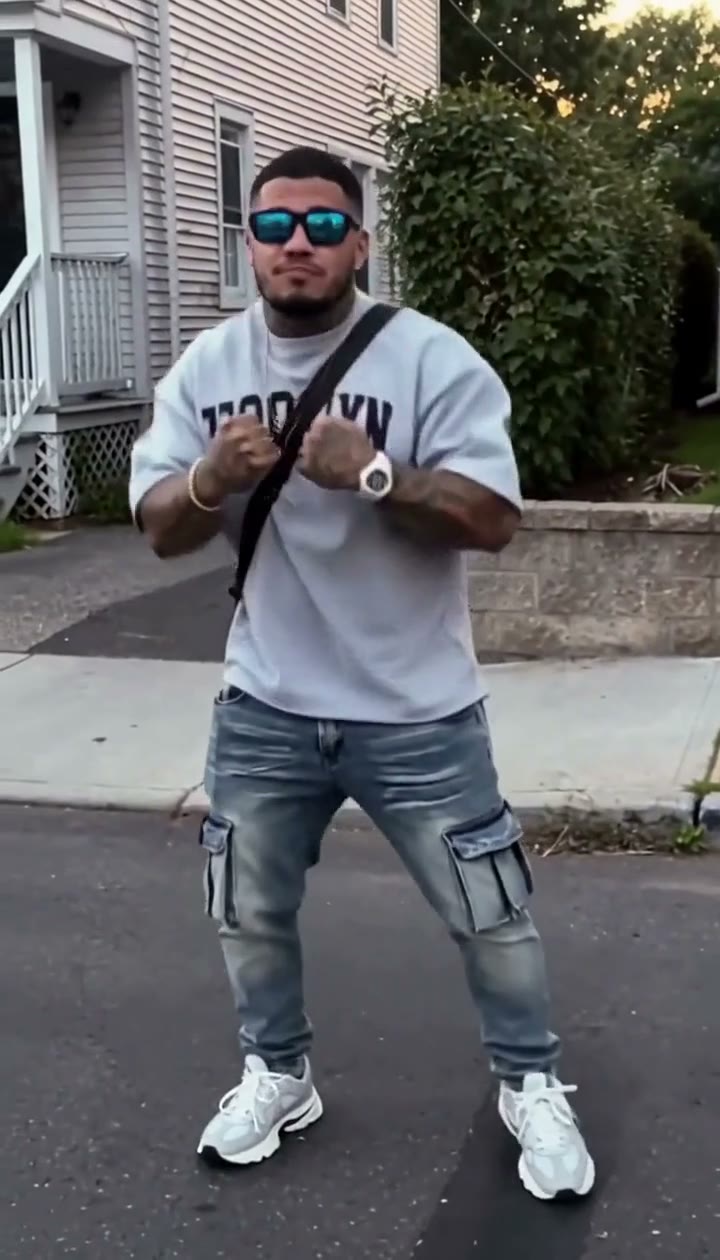
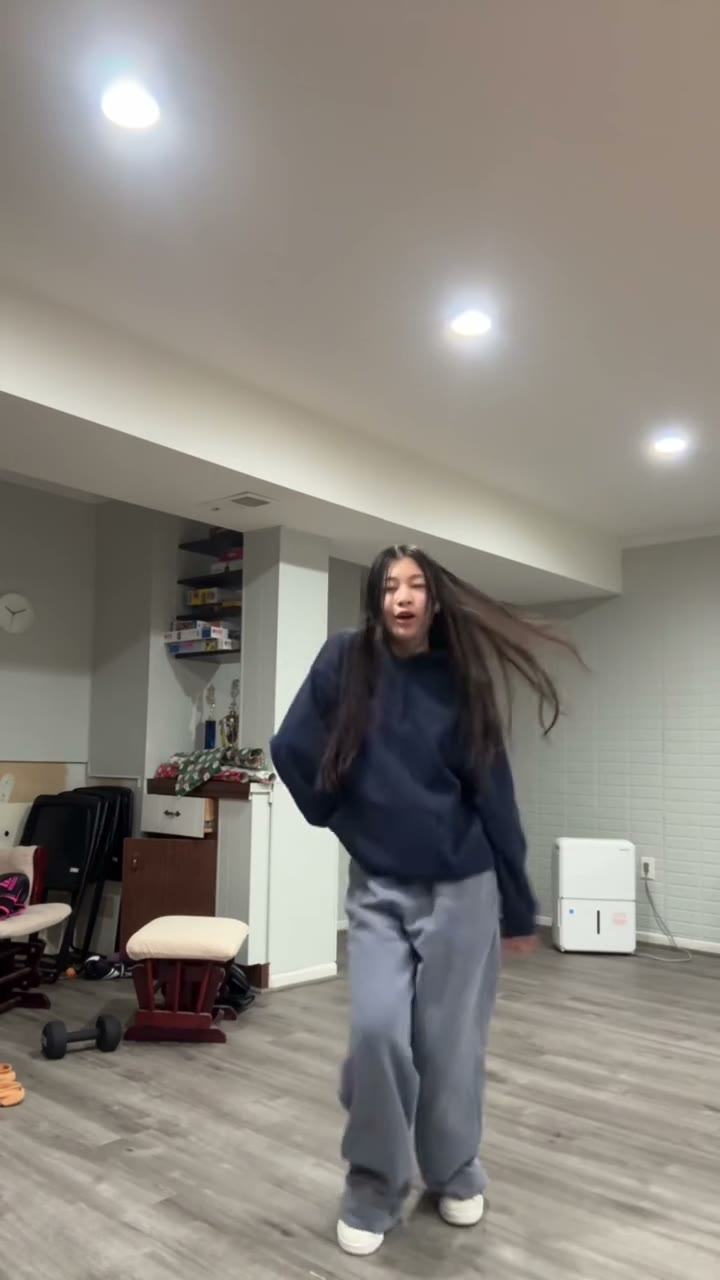
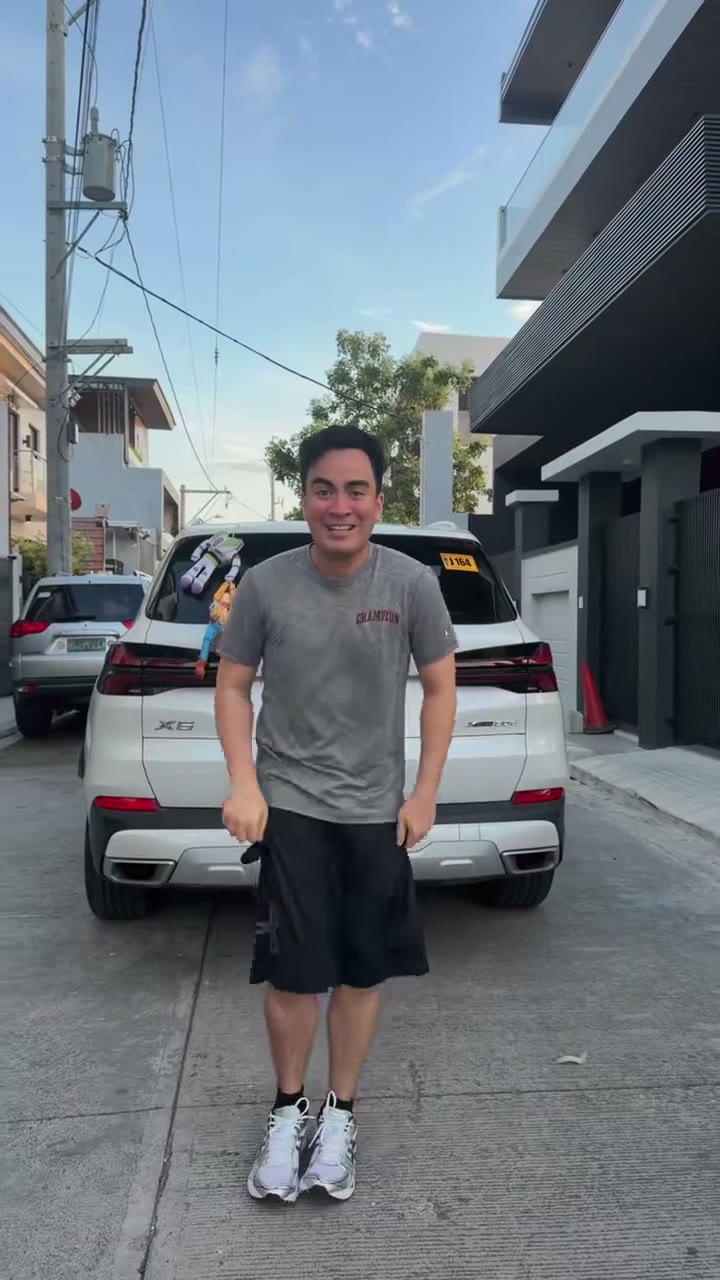
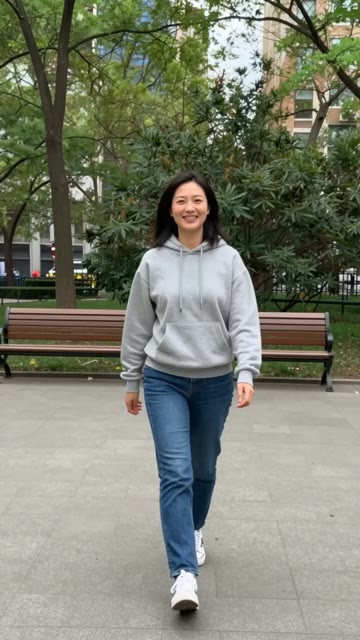
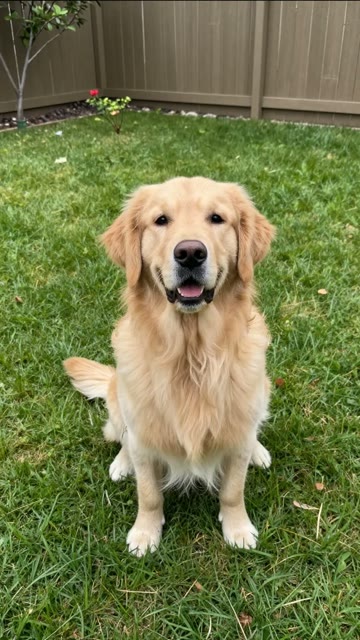
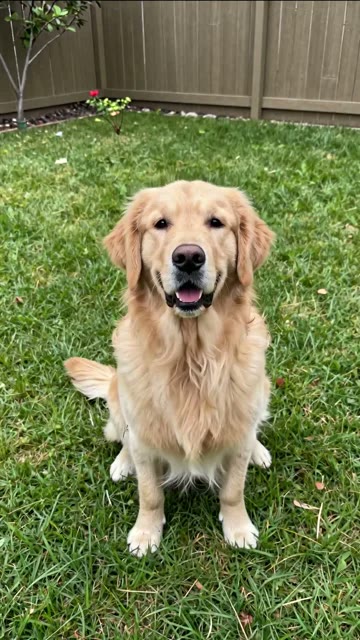
The photo on the left went in, the video on the right came out. How close yours looks depends on the photo you upload.

Browse all AI dance templates

How to make a photo dance

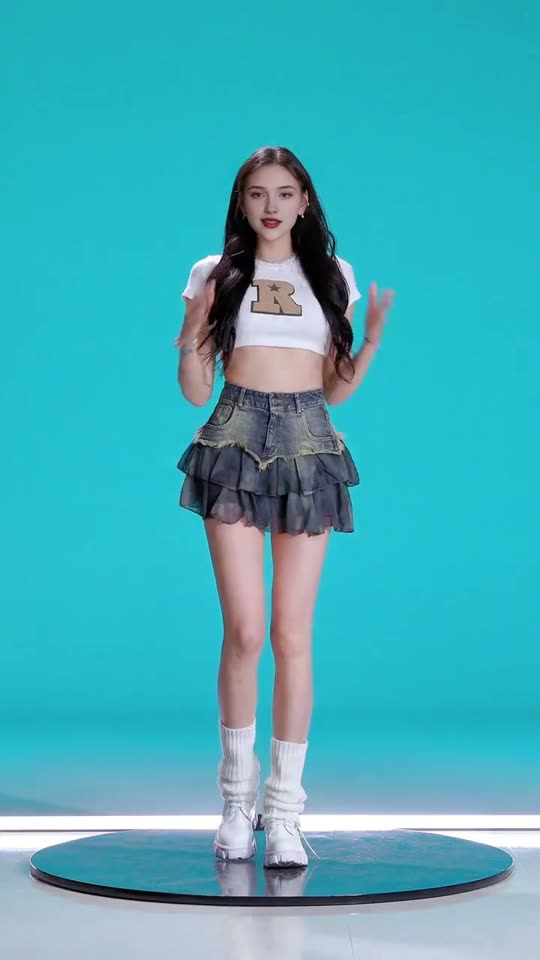
  1. Pick a dance. Each dance is a short clip of one dancer. Hover or tap a card to preview the moves.
  2. Upload one photo. Crop it to 9:16 right in the browser, then confirm the photo is you, your pet, your child, or someone who agreed to this.
  3. Download your MP4. The moves from the dance are carried over to your photo. The video is usually ready in about 5 minutes, and you can leave the page and find it in My videos.

Photos that work

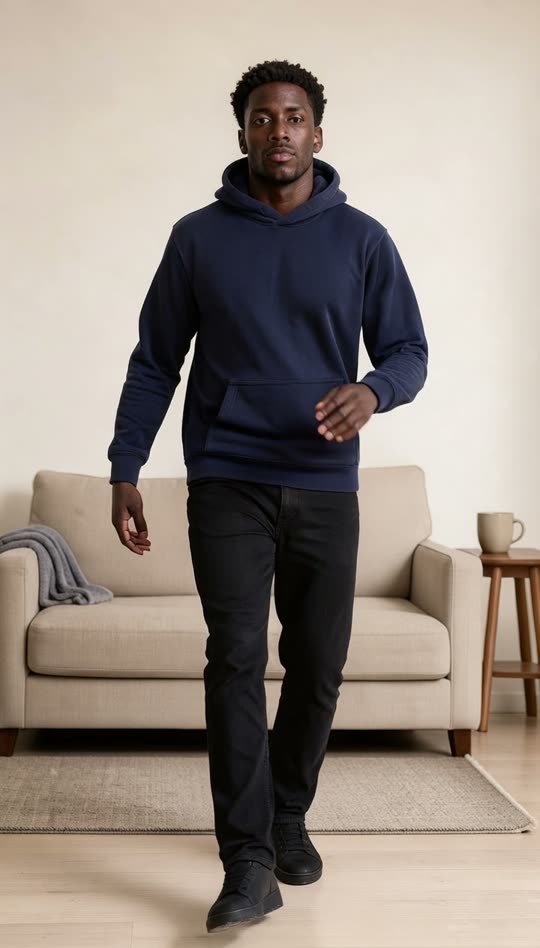
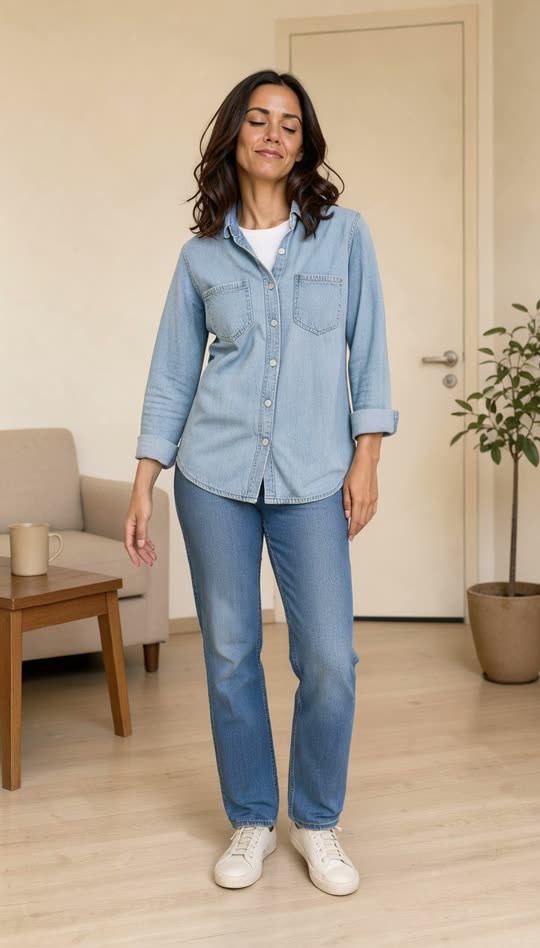
The moves are mapped onto the body in your photo, so the whole body needs to be in view. A plain background and good light help.

For a pet, use one animal with its whole body in view, and pick a dance from AI dog dancing or AI cat dancing.

UseOne person, head to feet, facing the camera
AvoidLegs cut off
AvoidMore than one person
AvoidBack to the camera

AI dance video pricing

Each dance template costs 1 credit. A clip you upload costs 1 credit per 10 seconds. Pay once, no subscription.

See pricing
  • Starter pack$4.994 videos instead of 3 · $1.25 per video
  • Creator packBlack Friday: +5 free$14.9915 videos instead of 10 · $1 per video
  • Studio pack$29.9932 videos instead of 30 · $0.94 per video

One-time payment · Credits never expire · A failed video gives the credit back. New accounts get 1 free video.

Ideas for your dance video

One photo, one dance, made for the moment you are posting about.

All 12 AI dance video ideas

Popular AI dance templates

Open a dance to see the moves, then make it with your photo.
All 25 AI dance templates

Related guides

Dance Pose Ideas for a Photo You Want to Animate

The best photo for a dance video is a plain one. Stand straight, face the camera, keep your whole body in frame and leave room around the arms. Then match the photo to a dance that fits it.

Photos & poses · 5 min read · Updated

How to Make an AI Dance Video From One Photo

Pick a dance, upload one full-body photo, crop it to a vertical frame and make the video. It is usually ready in about 5 minutes as a 9:16 MP4 with no watermark.

How-to · 4 min read · Updated

Questions

How long does a video take?
Usually about 5 minutes. You can leave the page and find the video in My videos later.
How much does it cost?
Each dance template costs 1 credit. A video from your own dance clip costs 1 credit for every 10 seconds, up to 3 credits for 30 seconds. Credits come in one-time packs with no subscription, and new accounts get 1 free video.
What happens if a video fails?
The credits go back to your balance automatically.
Which photos work best?
One person facing the camera with the whole body in view, from head to feet. You can crop the photo to 9:16 before you start.
Is there a watermark?
No. You download a clean MP4.
Does the video have music?
Yes. Your video keeps the soundtrack of the dance you picked. Elf Workshop Dance and Christmas Party Dance have no sound, so add a song in TikTok or Reels before you post.
Can I use my own dance video?
Yes. Pick Your own dance and upload an MP4 or MOV of one dancer, 3 to 30 seconds and up to 50 MB. Your photo copies the moves, and the clip is only used for your video.
Can I make my dog or cat dance?
Yes, with the dances marked people and pets. They are listed on the AI dog dancing and AI cat dancing pages.
Is there a free version?
New accounts get 1 free video, which expires after 7 days. It covers any dance template, or a dance clip you upload of up to 10 seconds.
Do I need to install an app?
No. It runs in the browser on your phone or computer.